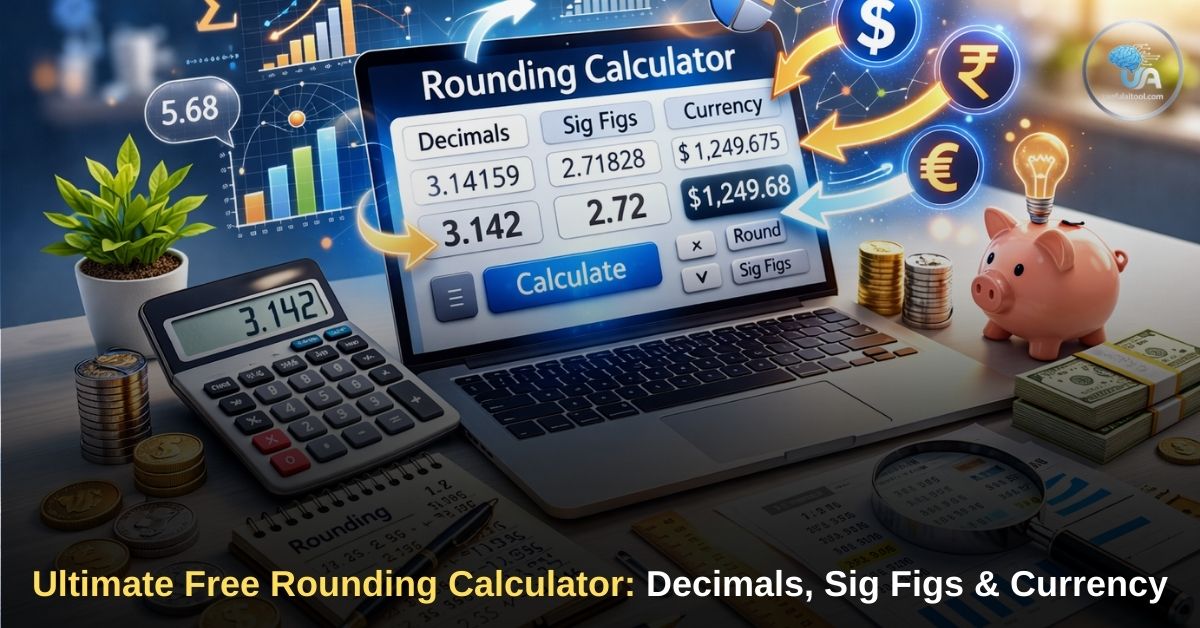
Ultimate Free Rounding Calculator: In mathematics, finance, and engineering, precision is crucial—but overcomplicating numbers with ten decimal places is often unnecessary and confusing. Whether you are balancing a financial ledger, calculating scientific data, or helping a student with homework, knowing how to properly trim down long digits is a mandatory skill.
Why we built Ultimate Rounding Calculator?
Our tool takes the guesswork out of complex math. From a standard rounding calculator decimals tool to an advanced scientific rounding calculator significant figures generator, this page provides everything you need. Below, we break down exactly how to use our tool, explain the mathematical rules behind rounding, and explore the different scenarios where specific rounding techniques are required.
How to Use Our Rounding Calculator
Using our tool is incredibly straightforward. It updates in real-time, meaning you can adjust the settings and instantly see how different rounding rules affect your base number.
Advanced Rounding Calculator
Round decimals, whole numbers, and currency instantly.
- Enter Your Number: Type the long decimal or whole number you wish to round into the primary input box.
- Select Your Method: Use the dropdown menu to choose exactly how you want the number rounded. We have included all specific rounding scenarios derived from major search engines.
- Get Instant Results: The tool will instantly apply mathematical "half-up" rounding rules and display the clean, rounded result in the large output box, along with a short explanation.
Rounding Calculator Decimals: Tenths, Hundredths, and Thousandths
The most common use of a rounding calculator revolves around managing long, unwieldy decimal numbers. Depending on your industry, you will need to round to a specific decimal place. Our tool features dedicated options for the three most common decimal rounding scenarios.
Rounding Calculator to the Nearest Tenth
When you round to the nearest tenth, you are leaving only one digit to the right of the decimal point. This is highly common in everyday measurements, such as tracking body weight or recording mild temperature fluctuations.
- Example: If you input 45.67, the tool looks at the hundredths place (7). Because 7 is five or greater, it rounds the tenth's place (6) up, resulting in 45.7.
Rounding Calculator to the Nearest Hundredth
Rounding to the nearest hundredth leaves two digits after the decimal point. This is the global standard for most basic math equations and percentages.
- Example: If you input 89.342, the tool looks at the thousandths place (2). Because 2 is less than five, the hundredth's place stays the same, resulting in 89.34.
Rounding Calculator to the Nearest Thousandth
Rounding to the nearest thousandth leaves three digits after the decimal point. This level of precision is frequently used in mechanics, machining, engineering, and digital analytics.
- Example: If you input 3.14159 (Pi), the tool looks at the ten-thousandths place (5). Because it is five, it rounds up, resulting in 3.142.
Rounding Calculator Whole Number & Nearest Dollar
Sometimes, you do not want to deal with decimals at all. If you are calculating inventory, counting people, or dealing with physical items, you cannot have a fraction of a whole.
Try this Tool Also: Random Generator Wheel | Spin the Wheel 1-100: The Ultimate Random Number Picker
Our rounding calculator whole number option strips away all decimals and gives you a pure integer. If your raw calculation shows you need 14.8 bags of cement for a project, the tool will round that up to 15, ensuring you have enough materials to finish the job.
Similarly, our rounding calculator nearest dollar option applies whole-number logic specifically to finance. When dealing with large budgets, taxes, or corporate revenue, tracking pennies becomes a waste of time. Selecting the "Nearest Dollar" option will take a number like $1,450.75 and instantly format it to a clean, rounded $1,451.00.
Rounding Calculator Significant Figures
In science, chemistry, and physics, precision is measured in "significant figures" (often called sig figs). Significant figures indicate the degree of certainty in a measurement.
Unlike simple decimal rounding, significant figures count from the first non-zero digit in a number, regardless of where the decimal point is. This can be notoriously difficult to calculate by hand, which is why our rounding calculator significant figures tool is so valuable for students and professionals.
When you select this option from the dropdown menu, a new input box will appear, asking you exactly how many significant figures you need.
- Example 1: If you enter the number 0.0045678 and ask for 3 significant figures, the tool ignores the leading zeros and rounds the digits to 0.00457.
- Example 2: If you enter the massive number 1,234,567 and ask for 3 significant figures, the tool rounds it to 1,230,000.
Why Not Just Use Rounding Calculator Soup?
If you have searched for math tools online before, you have likely come across alternatives. You might be wondering, why should I use this page instead of searching for a rounding calculator soup utility?
More Tool: Ultimate Guide Free Universal CPM Calculator
While Calculator Soup offers basic functionality, our tool is built for a superior, modern user experience.
- Speed: Our calculator is entirely client-side. This means it calculates your results instantly as you type, without requiring you to click a "Submit" button and wait for a new page to load.
- All-in-One Design: Instead of navigating through multiple different web pages to find a specific rounding rule, every single option (decimals, dollars, sig figs) is built into one seamless dropdown menu.
- Mobile Friendly: Our interface is fully optimized for smartphones and tablets, making it easy to use on the go or in a classroom setting.
The Mathematical Rules of Rounding a Number
While our tool automates the process, understanding the logic behind rounding a number is an essential mathematical foundation. The standard rule used globally (and utilized by our calculator's algorithm) is known as "Half Round Up."
Also Try this Amazing Free Tool for Calculating YouTube Revenue Online
Here are the basic rules:
- Identify the Target Digit: Determine which place value you want to round to (e.g., the tenths place).
- Look Right: Look at the single digit immediately to the right of your target digit.
- Round Down (Keep the Same): If the digit to the right is 0, 1, 2, 3, or 4, you leave your target digit exactly as it is, and remove all digits to the right.
- Round Up: If the digit to the right is 5, 6, 7, 8, or 9, you add 1 to your target digit, and remove all digits to the right.
FAQs on Ultimate Free Rounding Calculator
Can you round on a calculator?
Yes! While standard physical calculators (like a basic Casio or Texas Instruments model) usually display raw, unrounded decimals by default, you can use our advanced online calculator to automatically apply specific rounding rules. Many advanced physical scientific calculators also have a "FIX" setting hidden in their menus that allows you to lock the display to a specific number of decimal places.
What is the rule for rounding a number ending in exactly 5?
The standard mathematical rule taught in schools is to "Round Half Up." This means if the number you are evaluating is exactly 5, you always round the target digit up. For example, rounding 2.5 to the nearest whole number results in 3. (Note: Some advanced statistical software uses "Banker's Rounding," which rounds 5 to the nearest even number, but our tool uses standard Half-Up logic).
How do I round to the nearest cent?
Rounding to the nearest cent is the exact same mathematical process as using our "Rounding Calculator to the Nearest Hundredth." Because a dollar is divided into 100 cents, the hundredth's place represents the penny. Simply input your currency value and select the hundredth option.
Why do significant figures matter?
Significant figures matter because they prevent "false precision." If you measure a piece of wood with a standard ruler that only has millimeter markings, reporting the calculation of the wood's volume to eight decimal places implies a level of microscopic precision that your measuring tool simply could not provide. Significant figures keep scientific data honest and accurate.