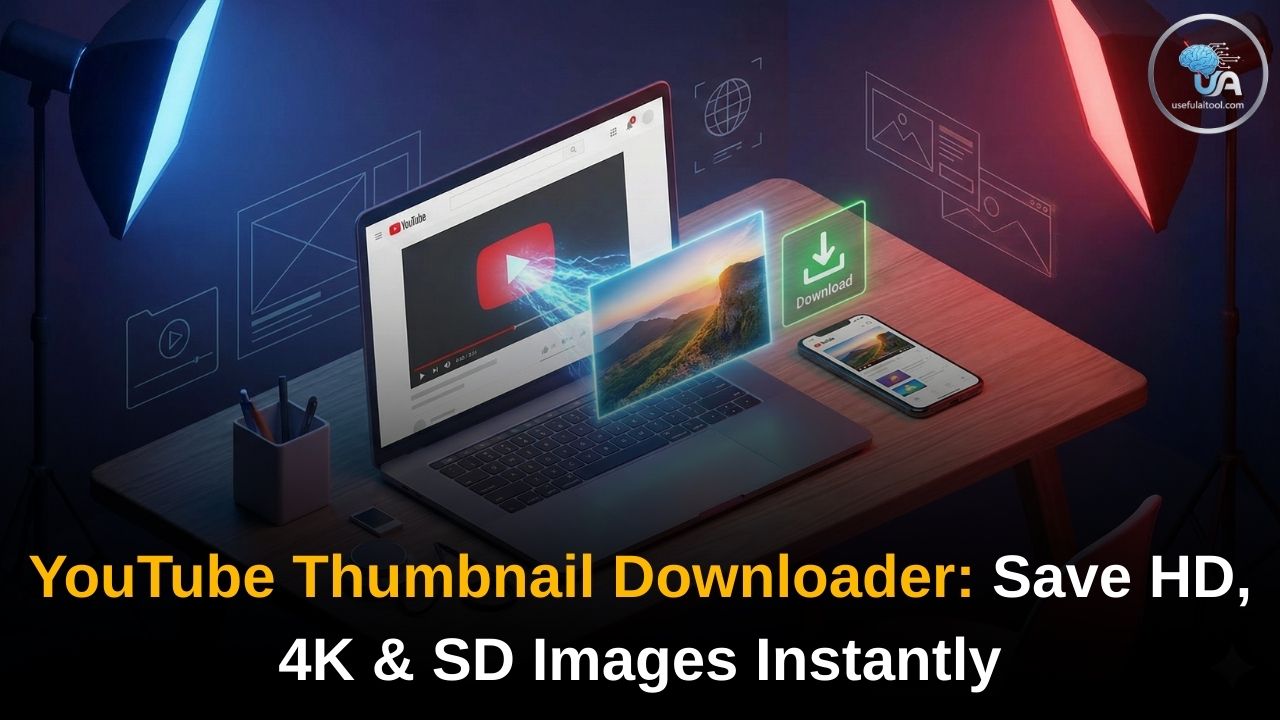
YouTube Thumbnail Downloader 2026: In the world of YouTube, the “click” is everything. And what drives that click? The thumbnail.
Whether you are a content creator looking for inspiration, a digital marketer analyzing competitors, or a designer building a portfolio, having access to high-quality YouTube thumbnails is essential. However, YouTube doesn’t offer a direct “Save Image” button for video covers.
That is why we built the Free YouTube Thumbnail Downloader. This simple, powerful tool allows you to grab the thumbnail image from any YouTube video in the highest available resolution (HD, 1080p, or even 4K) within seconds.
Why Use a YouTube Thumbnail Downloader?
You might wonder, “Why can’t I just take a screenshot?”
While taking a screenshot is possible, it rarely results in a professional-quality image. Screenshots often capture the video player controls, play bars, or captions, and the resolution is limited to your screen size.
📸 YouTube Thumbnail Downloader
Paste a YouTube video link to grab the HD thumbnail image.
Using a dedicated Thumbnail Grabber offers several professional advantages:
- Original Quality: Our tool extracts the raw image file directly from YouTube’s servers, ensuring you get the exact file the creator uploaded.
- No Watermarks or Overlays: You get a clean image without the “Play” button, time stamp, or YouTube logo overlay.
- Multiple Resolutions: Not every project needs a massive 4K file. Our tool lets you choose between Max Resolution (HD), Standard Definition (SD), and High Quality (HQ) to suit your needs.
How to Download a YouTube Thumbnail
Using this tool is incredibly fast and requires no technical skills. Just follow these three simple steps:
Step 1: Copy the Video Link
Open the YouTube video whose thumbnail you want to save. You can do this on a desktop browser or the mobile app.
- On Desktop: Copy the URL from the address bar at the top of your browser.
- On Mobile: Tap the “Share” button below the video and select “Copy Link.”
Step 2: Paste the URL
Come back to this page and paste the link into the input box above.
Step 3: Download Your Image
Click the “Get Thumbnail” button. The tool will instantly fetch the image in all available sizes. Simply click the “Download” button next to the quality you prefer, and the image will save to your device’s gallery or downloads folder.
Understanding Thumbnail Qualities
When you use our tool, you will see different quality options. Here is what they mean so you can choose the right one:
1. Max Resolution (HD / 1080p / 4K)
- Size: 1280 x 720 pixels (or higher if available)
- Best For: Re-using in blog posts, social media promotion, or detailed analysis. This is the highest quality image available on YouTube’s server for that specific video.
- Note: If a video was uploaded in low quality, the HD version might not be available.
2. Standard Definition (SD)
- Size: 640 x 480 pixels
- Best For: Blog thumbnails, smaller web previews, or when data saving is a priority.
3. High Quality (HQ)
- Size: 480 x 360 pixels
- Best For: Quick references, WhatsApp sharing, or internal notes.
5 Legal Ways to Use Downloaded Thumbnails
A common question we get is, “Is it legal to download thumbnails?” The answer is yes, as long as you use them responsibly under “Fair Use” policies. Here are five excellent, ethical ways to use this tool:
- Inspiration & Analysis: Create a “Swipe File” of the best thumbnails in your niche. Analyze their color schemes, text placement, and facial expressions to improve your own designs.
- Blog Post Embedding: If you are embedding a YouTube video on your blog, using the thumbnail as a “featured image” for the post is a common practice (just link back to the video!).
- Social Media Sharing: When sharing a video on LinkedIn or Twitter, sometimes the automatic preview fails. Uploading the high-quality thumbnail manually ensures your post looks professional.
- Student Projects: Using thumbnails for school presentations or media studies analysis is widely accepted.
- Re-Creating Your Old Content: Did you lose the original file of a thumbnail you made 3 years ago? Use this tool to recover your own work from YouTube.
Features of Our Tool
We designed this tool to be the best on the web by focusing on what users actually want:
- 100% Free: No hidden costs, no credits, no subscriptions.
- No Registration: You don’t need to sign up or give us your email. Just paste and download.
- Fast & Lightweight: The tool loads instantly and works perfectly on slow connections.
- Mobile Optimized: Whether you are on an iPhone, Android, or tablet, the interface adapts to your screen.
- Secure: We do not store your data. The image extraction happens directly in your browser.
FAQ on YouTube Thumbnail Downloader 2026
Can I download thumbnails from private videos?
No. Our tool (and all similar tools) can only access public or unlisted videos. Private videos are protected by YouTube’s privacy settings and their images are not accessible via public APIs.
Why is the HD thumbnail sometimes missing?
YouTube only generates a 1280×720 (HD) thumbnail if the video creator uploaded a high-quality image. If the video is very old or uploaded in low resolution, the “Max Resolution” option might not exist. In that case, try the “Standard Definition” option.
Is there a copyright on YouTube thumbnails?
Yes. The copyright for the thumbnail image belongs to the video creator. You should not download a thumbnail and use it as your own video cover (that is stealing). However, using it for reference, news reporting, criticism, or commentary usually falls under “Fair Use.”
Does this tool work for YouTube Shorts?
Yes! Simply copy the link of the Short (e.g., youtube.com/shorts/xyz...), paste it into the tool, and it will grab the cover image just like a regular video.
Ready to get started? Scroll up, paste your link, and grab your high-quality thumbnail now!