Twitter Video Downloader: You are scrolling through X (formerly Twitter) and spot the perfect reaction GIF or a viral video clip you want to share in your group chat. You tap the screen, expecting a simple “Save Video” option—but it’s not there.
Due to platform restrictions, X does not allow users to natively download media directly to their camera roll or desktop. Furthermore, what looks like a standard GIF on X is actually converted into an MP4 video file by their servers to save bandwidth. This makes saving them manually nearly impossible.
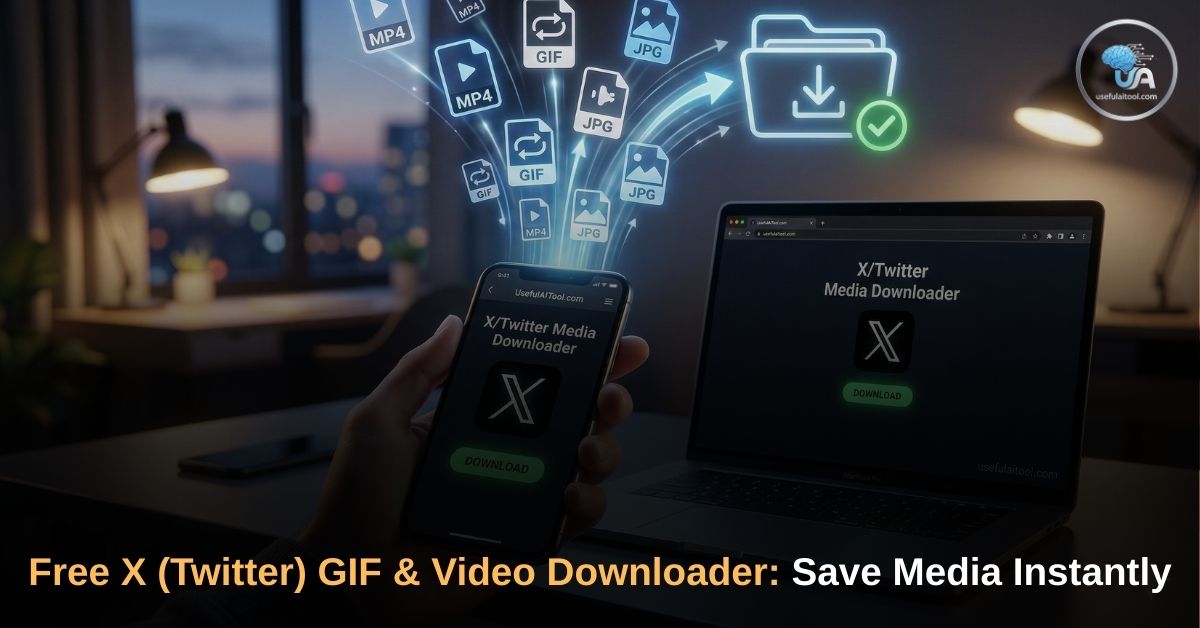
That is where the UsefulAITool X/Twitter GIF & Video Downloader comes in. We built a lightning-fast, 100% free web utility that bypasses these restrictions, allowing you to extract and download any public video or GIF in seconds.
Why Use Our Twitter Video Downloader?
There are dozens of sketchy downloader apps out there, but they often come with aggressive pop-up ads, hidden subscription fees, or annoying watermarks stamped across your video. Our tool is built differently.
Here is why users across the US and UK trust our downloader:
- 100% Free & Unlimited: No paywalls, no daily limits, and absolutely no account registration required. Download as many memes, clips, and reaction GIFs as you want.
- Zero Watermarks: Your downloaded videos and GIFs will look exactly as they do on the platform. We never add intrusive logos or watermarks to your media.
- Maximum Privacy: Our tool runs directly in your browser. We do not store your download history, and we do not keep copies of the videos you fetch.
- High-Definition Quality: If the original creator uploaded the video in HD, our tool will extract the highest resolution MP4 available so it looks crisp on any screen.
- Cross-Device Compatibility: Whether you are on an iPhone, an Android tablet, a Mac, or a Windows PC, our web tool works flawlessly on any modern browser (Chrome, Safari, Edge).
How to Save a GIF or Video from X (Step-by-Step)
Downloading media using our tool takes less than five seconds. Here is the foolproof way to get your file:
GIF & Video Downloader
Step 1: Copy the Post Link Open the X (Twitter) app or website. Find the post containing the video or GIF. Tap the “Share” icon (the little arrow or tray symbol) and select “Copy Link”.
Step 2: Paste into the Downloader Come back to this page and paste that copied link into the input box above. (It should look something like: https://x.com/username/status/123456789).
Step 3: Get Your Download Link Click the “Get Download Link” button. Our engine will instantly scan the post and locate the hidden media file.
Step 4: Save to Your Device Click the green download button that appears below the video preview.
- For Mobile Users: If the video opens in a new tab, simply long-press the screen and tap “Save Video”.
- For Desktop Users: Right-click the video and select “Save Video As…”.
Also Read: Online Video Downloader: Save YouTube, Facebook, TikTok & Twitter Videos for Free
Frequently Asked Questions (FAQ on Twitter Video Downloader)
Are Twitter GIFs actually MP4 files? Yes! To make the platform load faster, X converts all uploaded GIF files into loopable MP4 video files. When you use our tool, you will download an MP4 file. You can easily send this MP4 in iMessage, WhatsApp, or Discord, and it will play seamlessly just like a GIF.
Can I download media from private accounts? No. To protect user privacy, our tool can only extract videos and GIFs from public X accounts. If the account is locked (has a padlock icon next to the name), the downloader will not be able to access the media.
Is it legal to download videos from X? Downloading videos for personal, offline viewing is generally acceptable. However, you should not re-upload copyrighted content, music videos, or private material without the original creator’s explicit permission. Always respect digital copyright laws.
Start Downloading Now
Stop relying on clunky screen recorders to capture your favorite X moments. Bookmark this page so you always have a fast, reliable, and secure way to save viral clips and reaction GIFs on the go.
Scroll up, paste your link, and get your high-quality video in seconds!