In the modern fast-paced digital world, “staying busy” is often confused with “being productive.” Many of us juggle dozens of tasks across different projects, only to end up feeling overwhelmed and stuck. This is where the Kanban Method comes in—a simple yet powerful visual system that helps you see your work, limit your stress, and actually get things done.
At UsefulAItool.com, we believe productivity shouldn’t be expensive or complicated. That is why we built our Free Kanban Tool Online. In this guide, we will dive deep into the history of Kanban, how it works, and how you can use it to transform your personal and professional life.
What is a Kanban Board?
The word Kanban (看板) is a Japanese term that translates to “signboard” or “billboard.” At its core, a Kanban board is a visual tool used to manage work as it moves through various stages of a process.
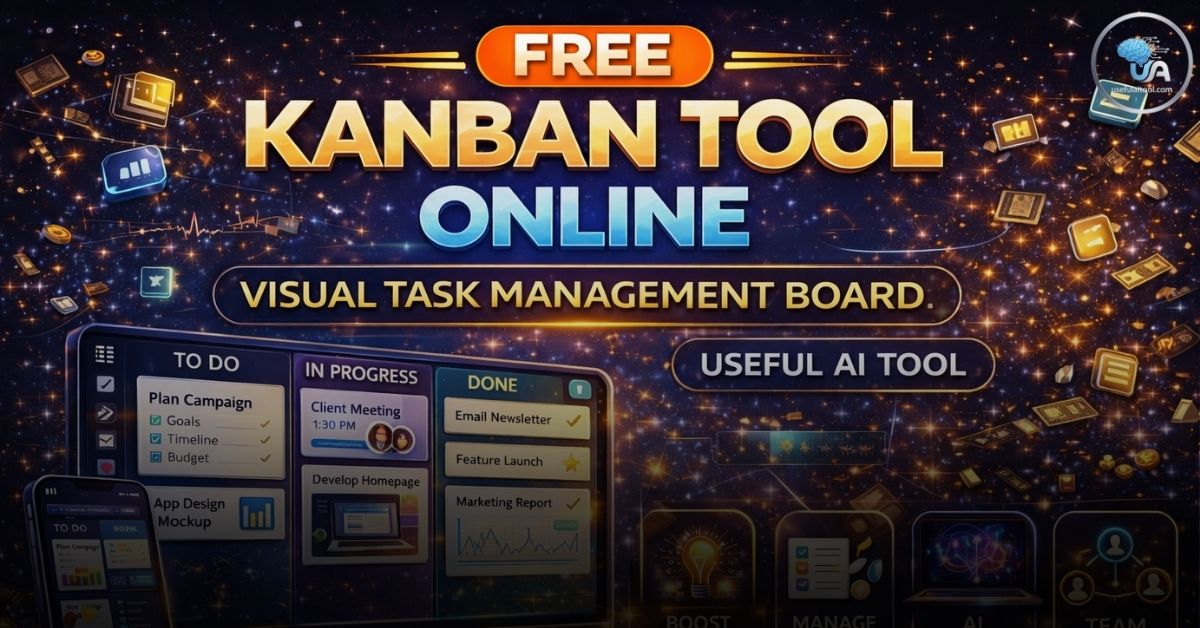
While traditional task lists (like a simple “To-Do” list) can become long and intimidating, a Kanban board breaks tasks down into vertical columns. These columns represent the status of a task, typically following a flow like:
- To Do: Tasks that haven’t been started yet.
- In Progress: Tasks currently being worked on.
- Done: Completed tasks ready for review or archiving.
The Origins: From Toyota to Tech
The Kanban system wasn’t invented in a software office; it was born on the factory floor of Toyota in the 1940s. An industrial engineer named Taiichi Ohno developed Kanban to improve manufacturing efficiency.
Online Kanban Board
Drag and drop tasks to manage your workflow
To Do 🔴
In Progress 🟡
Done 🟢
Toyota noticed that they were often over-producing parts they didn’t need or running out of parts they did need. By using “Kanban cards” to signal when a new part was required, they created a “Just-In-Time” (JIT) production system.
In the early 2000s, the software industry realized that this system was perfect for managing “invisible” work—like coding, writing, and designing. Today, Kanban is a cornerstone of Agile and Lean methodologies used by top companies like Google, Spotify, and Amazon.
The 4 Core Principles of Kanban
To get the most out of the Free Kanban Tool Online, you should understand the four basic principles that make the method work:
I. Visualize the Workflow
The most important step is seeing your work. By turning every task into a card on a board, you can instantly see where your bottlenecks are. If you have 20 cards in “In Progress” and only 2 in “Done,” you know exactly where the problem lies.
II. Limit Work in Progress (WIP)
Multitasking is a myth. Human brains are not wired to focus on five things at once. Kanban encourages you to set a WIP Limit. For example, you might decide to never have more than 3 tasks in your “Doing” column at one time. This forces you to finish one task before starting another.
III. Focus on Flow
By managing the tasks, not the people, you create a smooth “flow” of work. The goal is to move cards from the left side of the board to the right side as quickly and efficiently as possible.
IV. Continuous Improvement (Kaizen)
Kanban is not a static system. It is meant to be evolved. You should look at your board once a week and ask: “Why did this task get stuck?” or “Do we need a new column for ‘Testing’?” This philosophy of constant improvement is known as Kaizen.
Try this Free Tool: Mean Arterial Pressure Calculator – For healthcare pros.
How to Use the UsefulAItool Kanban Board
Our tool is designed to be “Zero Friction.” You don’t need to sign up for a subscription or provide an email address. Here is how to get started:
- Define Your Tasks: Click the “+ Add Task” button in the “To Do” column. Give your task a clear, actionable name (e.g., “Write blog post” instead of just “Blog”).
- Start Working: When you begin a task, click and drag the card from “To Do” into the “In Progress” column.
- Celebrate Completion: Once the task is finished, move it to the “Done” column. There is a psychological “hit” of dopamine every time you move a card to “Done”!
- Persistent Storage: Don’t worry about losing your data. Our tool uses Local Storage technology. This means your tasks are saved directly in your browser. Even if you close the tab or restart your computer, your board will be there when you return.
Who is a Kanban Tool For?
The beauty of Kanban is its versatility. It can be used by almost anyone:
- Software Developers: Manage bug fixes, new features, and code reviews.
- Content Creators: Track a video from “Scripting” to “Editing” to “Published.”
- Students: Organize assignments by subject or due date. Use it alongside our GPA Calculator for total academic management.
- Freelancers: Keep track of multiple clients and project milestones.
- Home Owners: Manage a renovation or a large spring-cleaning project.
Kanban vs. Scrum: What’s the Difference?
You may have heard of Scrum, another popular Agile framework. While they share similarities, they are quite different:
| Feature | Kanban | Scrum |
| Cadence | Continuous Flow | Sprints (usually 2 weeks) |
| Roles | No specific roles | Scrum Master, Product Owner |
| Changes | Can be made at any time | No changes during a Sprint |
| Key Metric | Cycle Time | Velocity |
For most individuals and small teams, Kanban is preferred because it is more flexible and doesn’t require the rigid structure of Scrum.
Why Use a Browser-Based Tool?
There are many expensive project management softwares like Trello, Jira, or Asana. While they are powerful, they are often “overkill” for simple projects. Here is why our browser-based tool is often a better choice:
- Speed: No loading screens or heavy apps. It opens in milliseconds.
- Privacy: Since your data is stored in your local browser storage, it isn’t being sold to third-party advertisers on a central server.
- No Cost: It is 100% free, forever. You don’t have to worry about “Premium” features being locked behind a paywall.
- Utility Integration: On UsefulAItool.com, you can switch between your MAP Calculator, CPM Calculator, and Kanban board all in one ecosystem.
Common Kanban Mistakes to Avoid
To ensure your productivity doesn’t stall, avoid these common pitfalls:
- The “Junk Drawer” Column: Don’t let your “To Do” column become a list of every idea you’ve ever had. Keep it focused on things you actually intend to do soon.
- Ignoring the WIP Limit: If you have 15 things in “In Progress,” you aren’t doing Kanban—you’re just making a mess. Finish something before you start something.
- Forgetting to Update: A Kanban board only works if it reflects reality. Make it a habit to keep the board open in a pinned tab while you work.
Conclusion
Productivity is a journey, not a destination. Whether you are managing a massive corporate project or just trying to organize your daily chores, the Free Kanban Tool Online at UsefulAItool.com provides the visual clarity you need to succeed.
By visualizing your workflow, limiting your distractions, and focusing on finishing rather than just starting, you can achieve more with less stress. Give it a try today and see how satisfying it is to move that first card to “Done.”
For more productivity boosters and AI-driven utilities, explore the full suite at UsefulAItool.com.
- Lakhpati Beti Yojana Info – For government scheme updates.